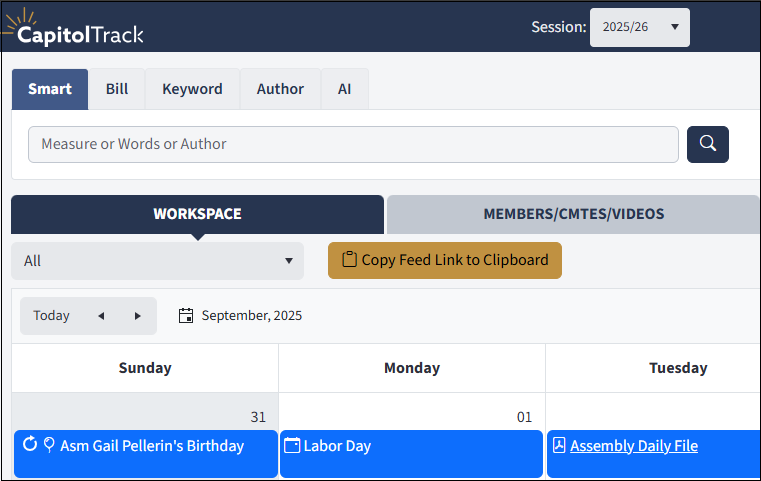
Choose the item from the Political Calendar you would like to feed to your personal calendar and click, ‘Copy Feed Link to Clipboard.’ The dropdown menu allows the following choices:
- All items on the Political Calendar
- Daily Files of the Assembly and Senate
- Deadlines of the Legislature
- Session Schedule of the Assembly and Senate
- Next Floor Session Times
- Birthdays of Serving Members
Once you’ve chosen the calendar info you want to feed into Outlook, follow these steps to find where to paste the link:
- In Outlook, right-click the ‘My Calendar’ header in the left margin.
- Select Add Calendar and then From Internet from the right-click menu.
- Paste the link you copied from CapitolTrack and you’re done
If you’d like to add a calendar feed and are having any trouble, please give us a call and we can help!